A widget to display your GitHub repo on a page.
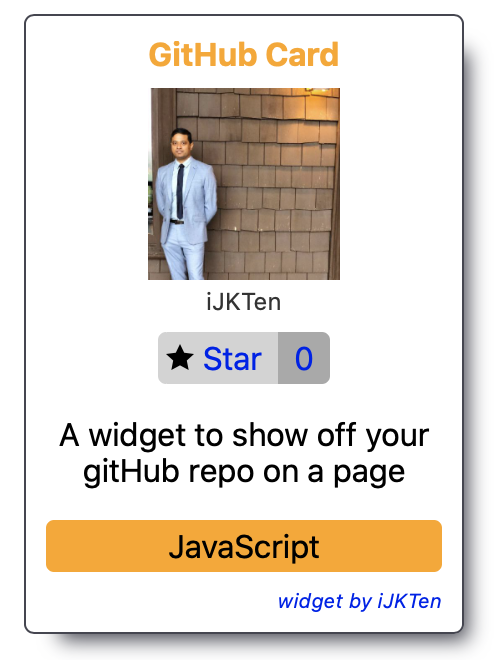
GitHub Card is created via web components and in your HTML file you can use it via a custom element
- Clone the repo
- Run the command shown below
npm install
- Open index.html in a browser which is located in the public folder
Include the element.js file in your HTML file. The repo attribute needs to be in the format of username/reponame Add a new tag in your HTML like
<github-card repo="ijkten/github-card"></github-card>
You can use it multiple times like
<github-card repo="ijkten/github-card"></github-card>
<github-card repo="ijkten/punions-client"></github-card>
- Handle error cases
- Package as an npm module