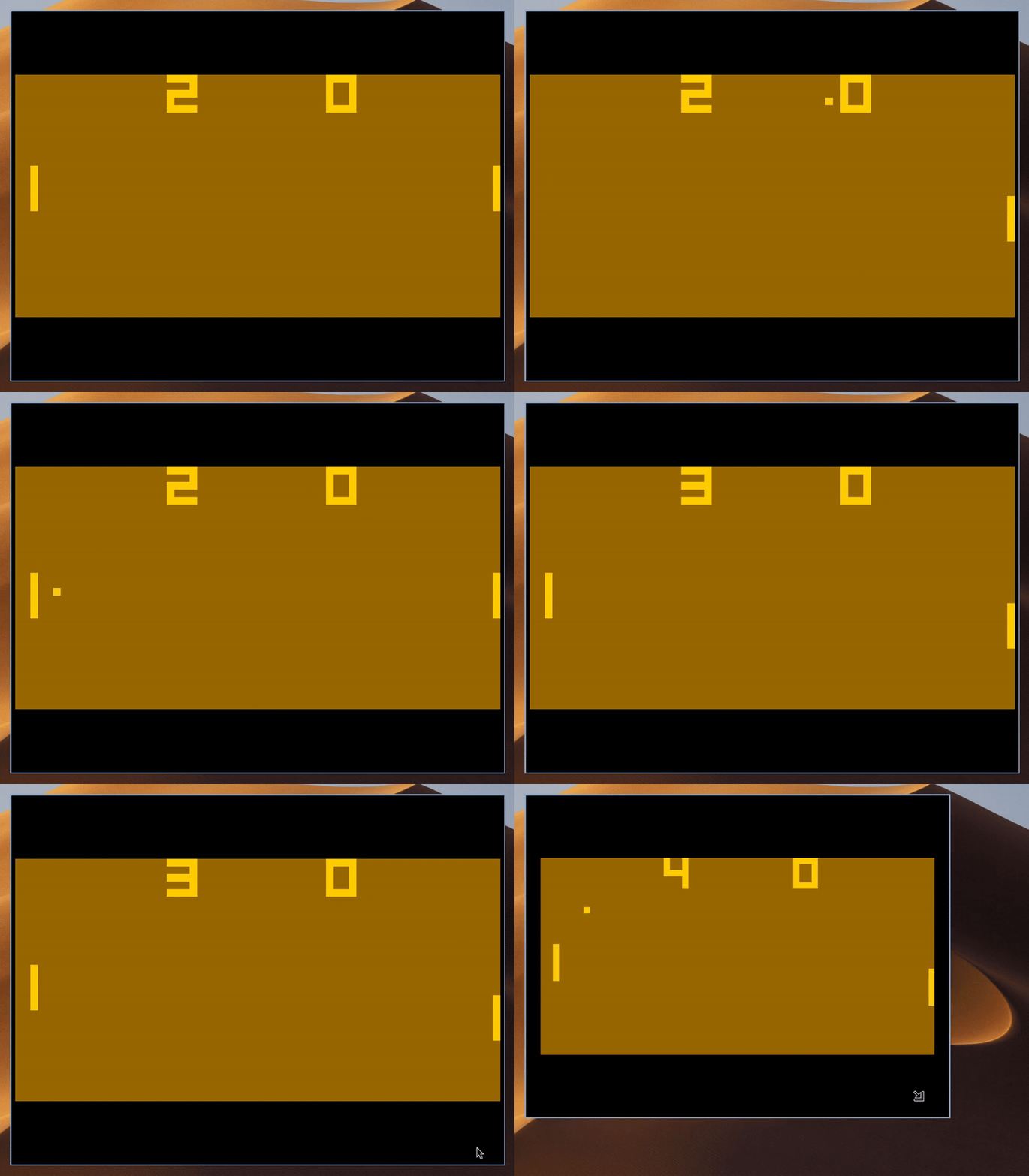
I loosely followed this guide: https://tobiasvl.github.io/blog/write-a-chip-8-emulator/.
- The number of instructions executed per second and frames rendered per second can be configured independently (see section on design decisions below on how this was made possible). This allows, for example, speeding up execution for speedrunning.
- The game's display (fixed 64:32 aspect ratio) is scaled up to the largest size that fits inside the desktop window while preserving its aspect ratio, with unused space filled by letterboxing.
- Customisable foreground, background and letterbox colours.
One of the most interesting parts of this project was figuring out how to schedule ticking the CPU, executing CPU instructions, and drawing frames to the display, all from a single-threaded event-loop.
CHIP-8's timers rely on a 60 Hz tick rate, so we can never change that. However, both the instruction rate (instruction executed per second) and frame rate (up-to-date frames drawn per second) should be customisable by the user. For example, if we want the game to run faster or slower, then we can increase or decrease the instruction rate, which might be useful for speedrunning purposes. Similarly, high-refresh-rate displays would allow us to increase the frame rate for smoother object movement.
One implementation idea I read about was to create a callback function that the windowing/graphics library would call at a fixed rate, e.g. the targeted frame rate (e.g. 60 Hz).
Since the fixed tick rate of 60 Hz is also a common frequency for the frame rate, we could just tick and draw the new frame in that callback function.
Then, we could just execute floor(instructions_per_second / frames_per_second) number of instructions in each call to the callback function.
I don't like this approach because of how coupled the tick-, instruction- and frame-rates are.
It is recommended to set the instruction rate (instructions executed per second) to around 700, making it significantly higher than the fixed 60 Hz tick rate and the commonly used 60 Hz frame rate.
However, what if we choose the rates such that the instruction rate is lower than the frame rate?
In that case, floor(instructions_per_second / frames_per_second) would always evaluate to 0, so no instructions would ever be executed.
To solve this issue, we can keep track of the next deadlines when we need to tick the CPU, execute an instruction, or draw a frame (we have different deadline values for each). Every time we perform one of these tasks, we can just increment the deadline by the amount of time there should be between calls (the period; can be computed from the call-rate upfront). We can represent each wake-up to tick, execute an instruction, or draw a frame as an event in our event-loop-based system. Specifically, after performing any of these tasks during a corresponding event, we just need to instruct our event-loop to emit another task event at the earliest of the three deadlines. Our event-loop-based system also allows us to wake-up at the exact points in time when other relevant events occur, such as key events or requests to redraw due to window resizing, rather than having to manually poll for these events while handling one of the task-based events we emitted. We have decoupled the tick-, instruction- and frame-rates from each other, so we can now allow the user to choose arbitrary values for them.
Another benefit of this event-based system is that we can differentiate between a draw that was requested by the OS due to window resizing and one that we initiated according to our frame rate. This allows us to perform the following optimisation: during a frame-rate wake-up event, we only redraw if the frame buffer, which we maintain separately in the CPU, has been mutated since the last draw, whereas we always redraw on window resize events, regardless of whether the current frame buffer has been flushed to the display.
Ideally, one invariant we maintain is that the deadlines for the next executions of the three tasks are always in the future. However, we can imagine a scenario where the OS wakes us up slightly late to perform e.g. a tick. If we just unconditionally performed the tick once and then incremented the next timestamp, the next timestamp's value might be in the past. If the event-loop's implementation ignores events scheduled for a timestamp in the past, then we will miss cycles, which is incredibly bad. The event-loop might implement scheduling past events as scheduling them immediately, which would solve our issue, but I think there is a nicer solution: Every time we wake up, we execute the task as many times as needed until we have "paid back" all the missed deadlines. Deterministically guaranteeing that the next deadline is always in the future is a difficult problem, though, because the OS could suspend our thread at an unfortunate time, namely right after we determined we "paid back" all missed deadlines and right before we tell the event-loop to schedule the deadline. Even though we made sure the deadline is in the future compared to that instant, if the OS suspended our thread for long enough, that deadline may now actually be in the past. Therefore, we do, unfortunately, still need to rely on our event-loop handling, rather than dropping, events scheduled for a deadline in the past, but luckily the library we are using supports this.
CHIP-8 only has one instruction where the CPU synchronously has to wait until user input arrives, namely FX0A, which blocks until the next key is pressed.
The guide, and several other resources I found online, suggested implementing this instruction by checking whether the user input has arrived, in which case we can continue to the next instruction regularly, otherwise leaving the program counter unchanged (not incrementing it, like we usually do), which ensures the same instruction will be executed as the next instruction until the input has arrived.
Essentially, this approach entails spinning until user input arrives.
I recently took an Operating Systems course, in which we were taught to never blockingly spin waiting for user input (in the kernel), since this results in our CPU not doing any useful work.
This is why, when implementing an OS kernel, spinlocks should only be used when holding locks for a very short amount of time.
When waiting for user input for a long time, blocking locks should be used, since they allow the kernel to suspend the blocking thread until its IO arrives, allowing the OS to schedule other useful work in the meantime.
I was not happy with the suggested spinning implementation of FX0A, so I took inspiration from OS design and implemented two states for my CPU: executing, or waiting/blocking on user input.
This obviously only works because the CPU is single-threaded.
When the event-loop receives the input the CPU is waiting for, the instruction that requested the input will be completed, and the CPU returns back to the normal executing state.
In combination with the decoupled tick-, instruction- and frame-rates, this CPU state feature has an impact on other parts of the design: While the CPU is waiting for user input, no new instructions can be executed and, because the frame buffer can only be mutated using synchronous instructions, no new frames will be drawn. To implement this logic, I just needed to turn off the timers for the instruction- and frame-rates, and only keep the tick rate going, since that needs to happen even while the CPU is waiting for input. Preventing new instructions from running was obviously required for correctness, but not having to redraw at the specified frame-rate while waiting was a cool optimisation.