






AgentScope Studio is a powerful local visualization toolkit designed for developers working with AgentScope. It provides a transparent, simple, and fun way to develop, debug, and evaluate agent-based applications.
- Project Management: Organize and manage your AgentScope projects with Projects and Runs
- Runtime Visualization: Chatbot-style interface for real-time agent interaction
- Tracing: OpenTelemetry-based trace visualization for LLM calls, token usage, and agent invocations
- Agent Evaluation: Evaluation-oriented analysis from a statistical perspective
- Built-in Copilot (Friday): A development assistant, playground for rapid secondary development, and integration hub for advanced features
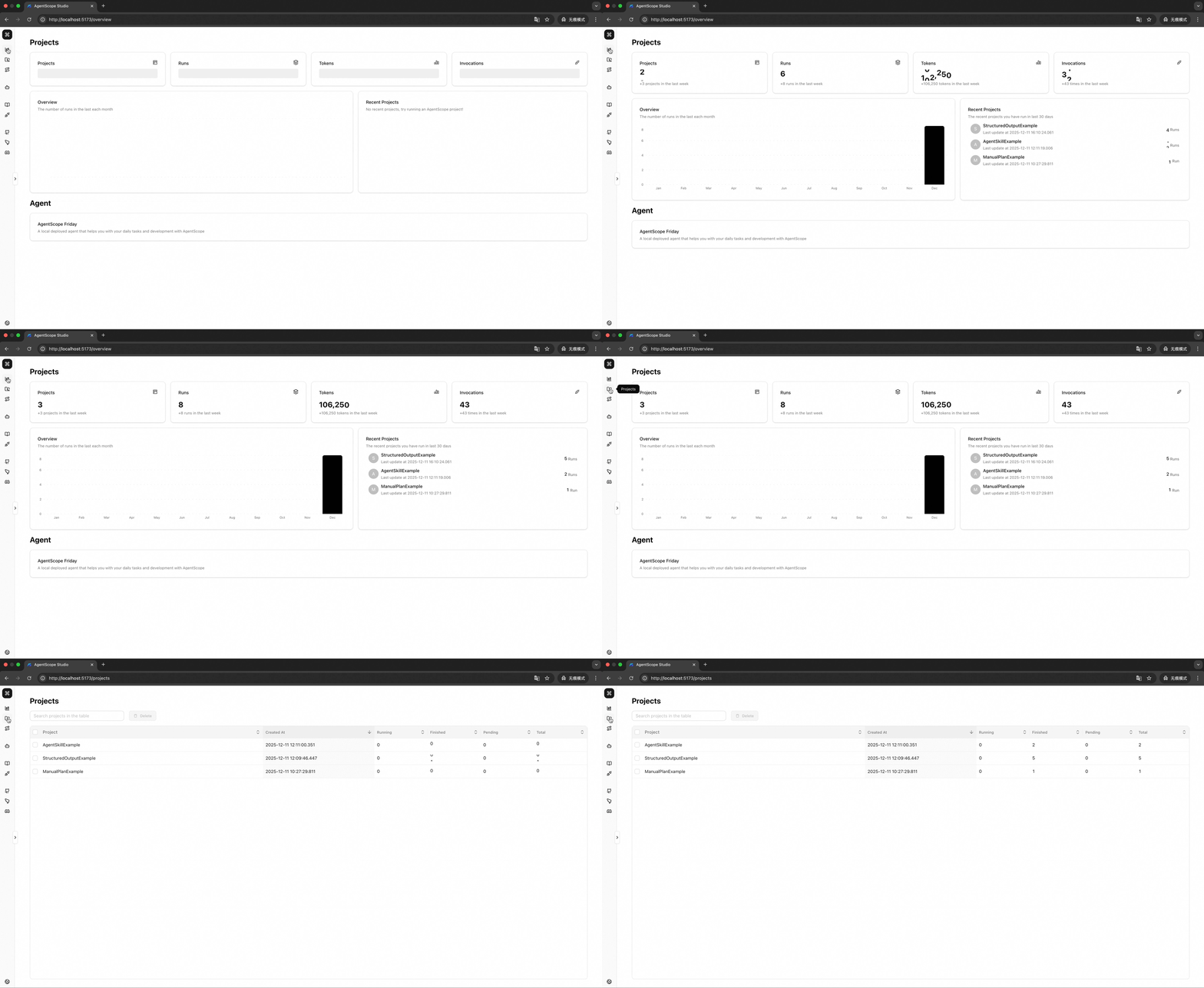
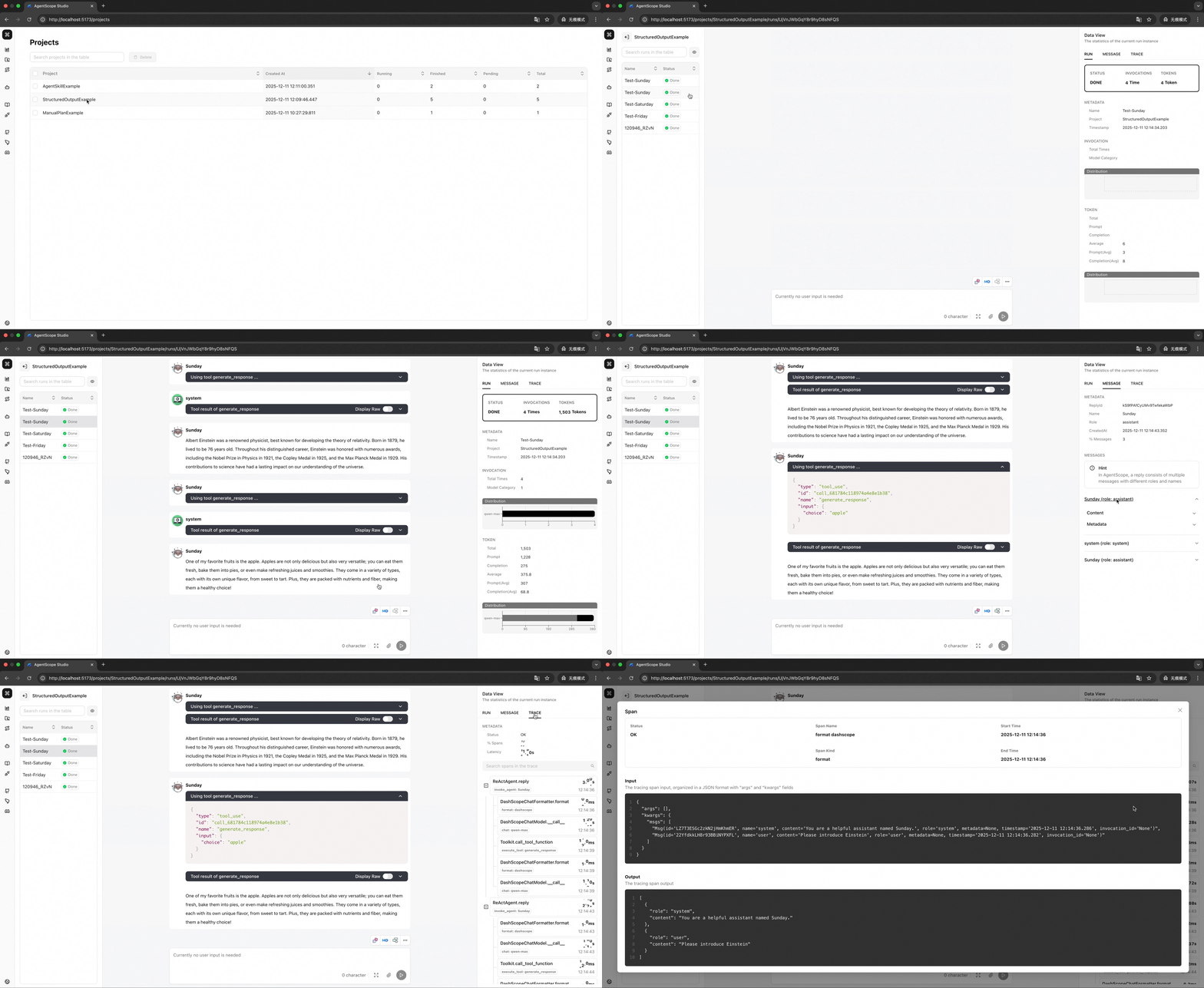
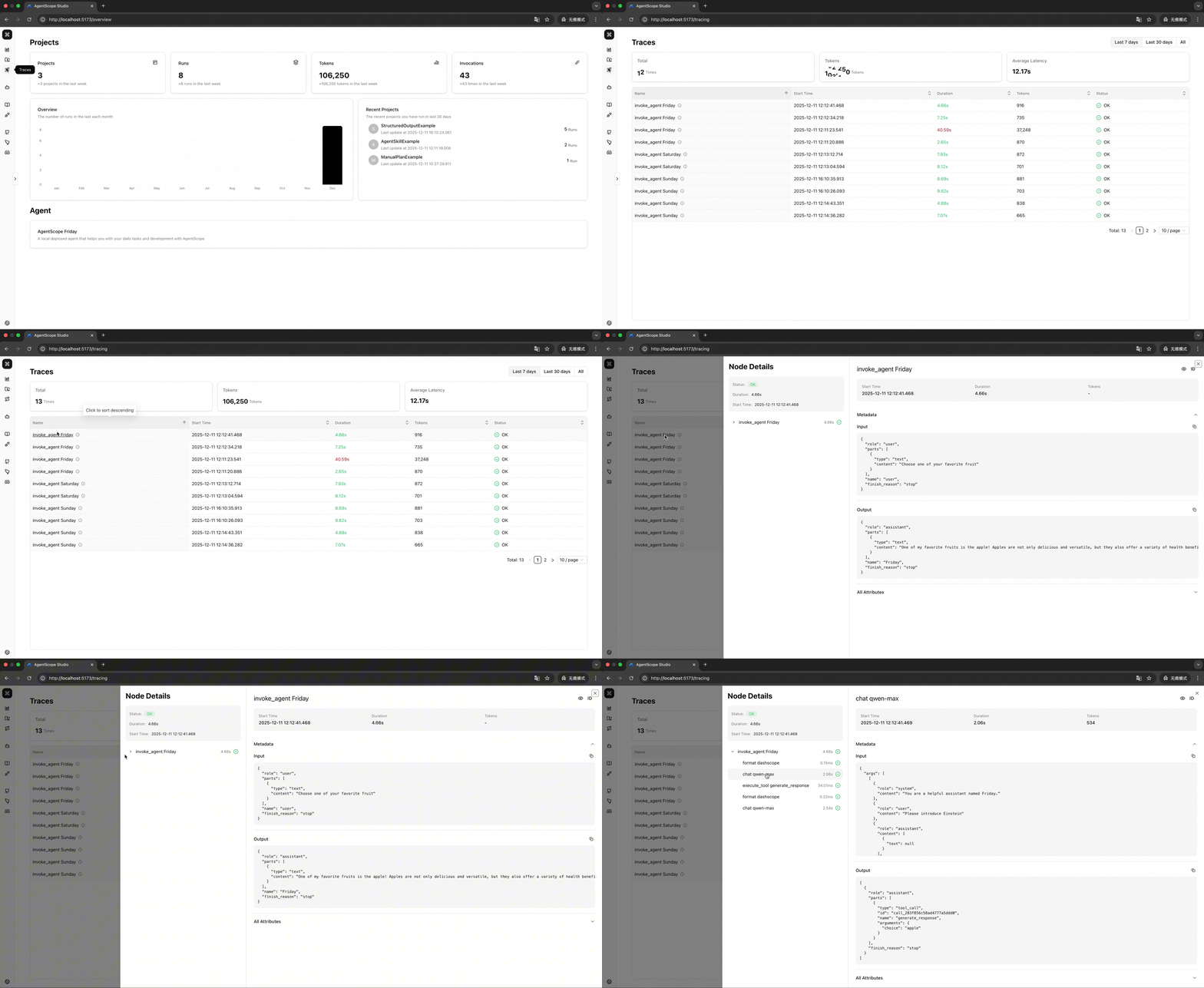
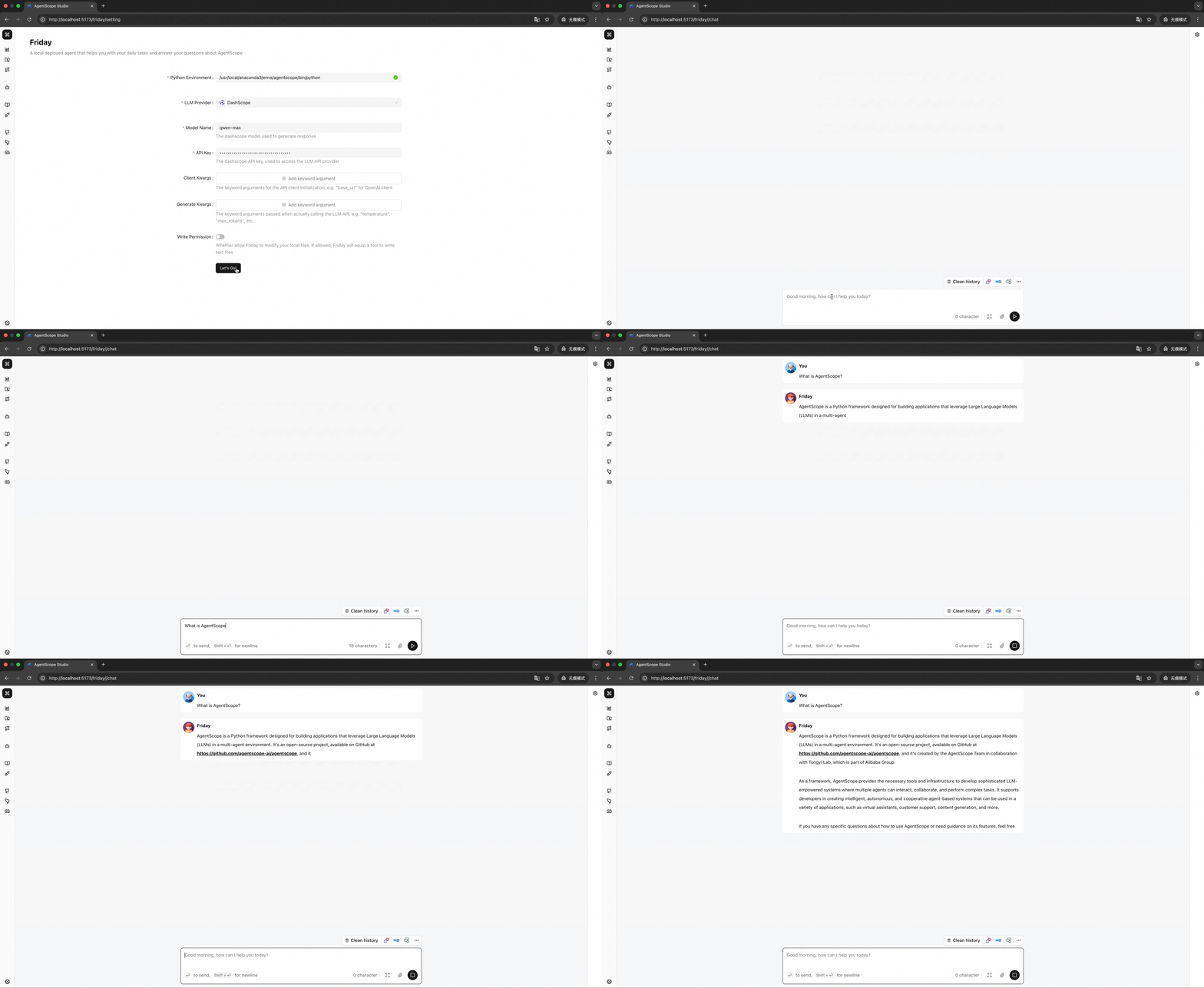
- [2025-08] AgentScope Studio is now open-sourced! We will continue to improve it and welcome contributions from the community.
- Node.js >= 20.0.0
- npm >= 10.0.0
- Docker (optional, for Docker deployment)
💡 Tip: If you're using nvm, you can run
nvm useto automatically switch to the required Node.js version.
# How to check your version
node --version  # Should show v20.x.x or higher
npm --version # Should show 10.x.x or highernpm install -g @agentscope/studio
# Start AgentScope Studio
as_studiogit clone https://github.com/agentscope-ai/agentscope-studio
cd agentscope-studio
npm install
# Start in development mode
npm run dev- From npm
npm install -g @agentscope/studio  # or npm install @agentscope/studio

as_studioPlease refer to docker/README.md.
To connect AgentScope applications, you need to set the studio_url field in the AgentScope initializer as follows:
import agentscope

agentscope.init(
    # ...
    studio_url="http://localhost:3000"
)

# ...For more details, please refer to our documentation:
- Overview - What is AgentScope Studio and how it works
- Quick Start - Installation and configuration guide
- Project Management - Managing projects and runs
- Tracing - OpenTelemetry integration and semantic conventions
- Friday - Built-in Copilot guide
- Contributing - How to contribute
AgentScope Studio is released under Apache License 2.0.
All thanks to our contributors:


