



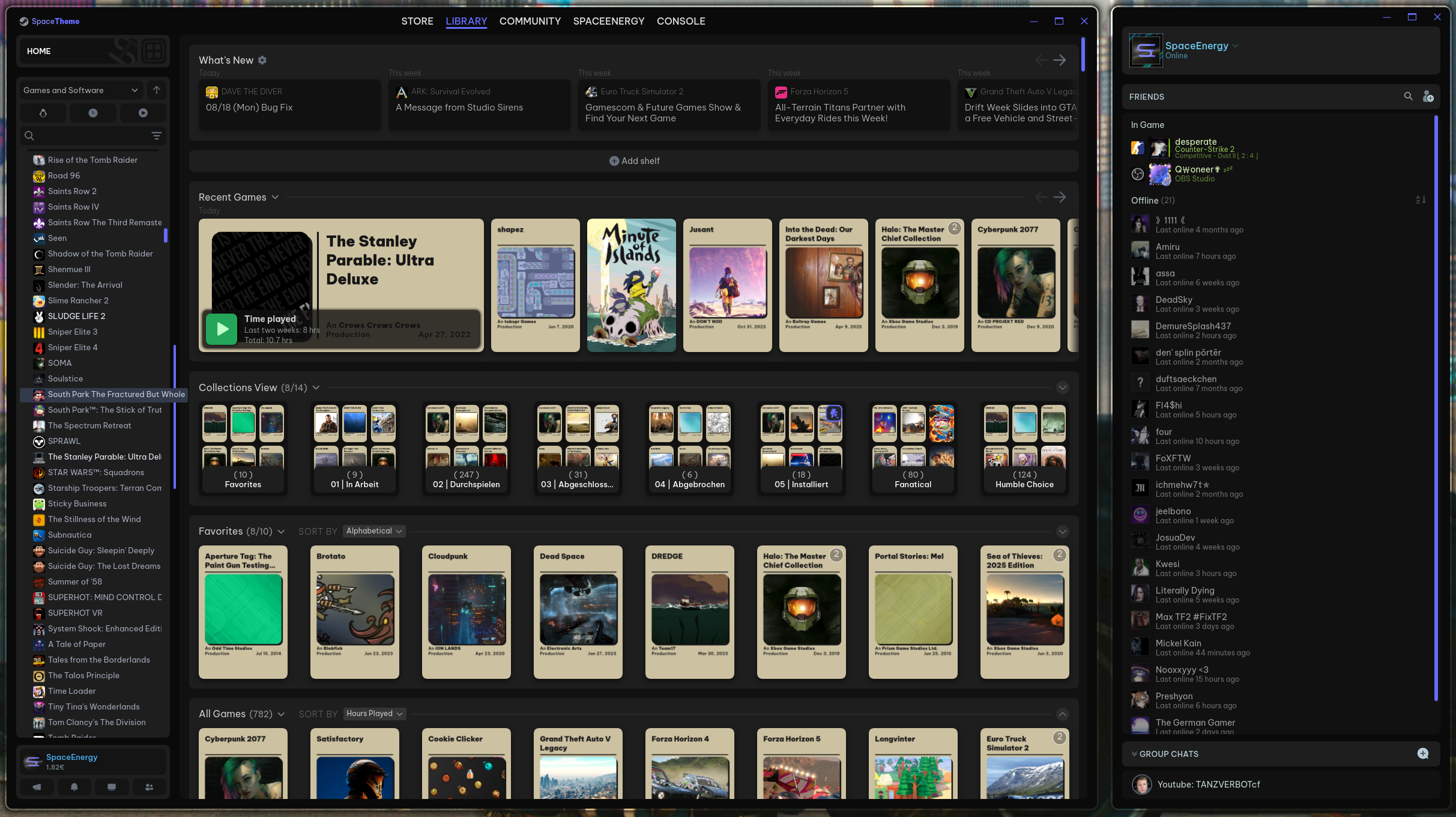
More images (10. Nov. 2025)
| Library home | Library gamepage |
|---|---|
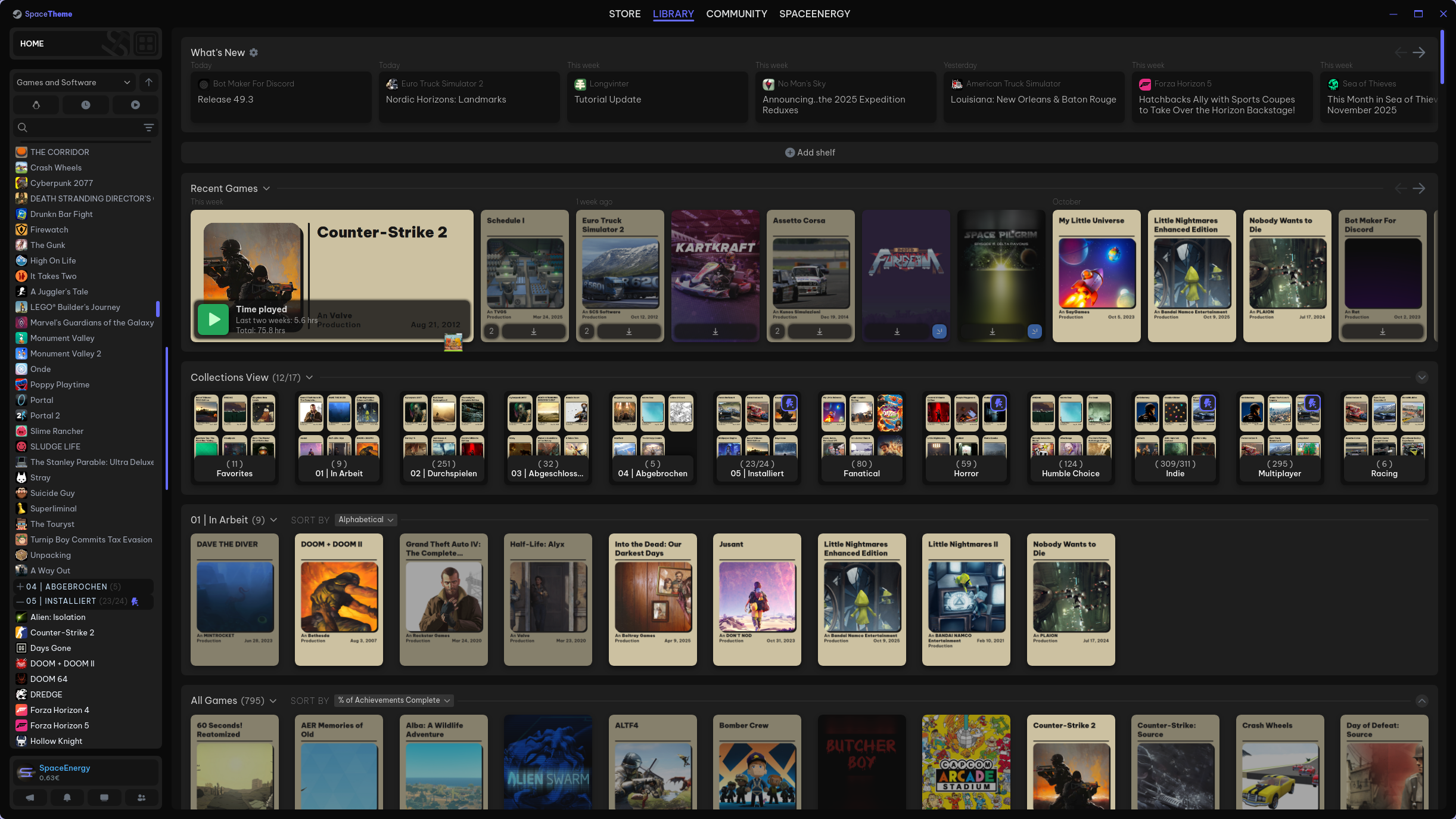 |
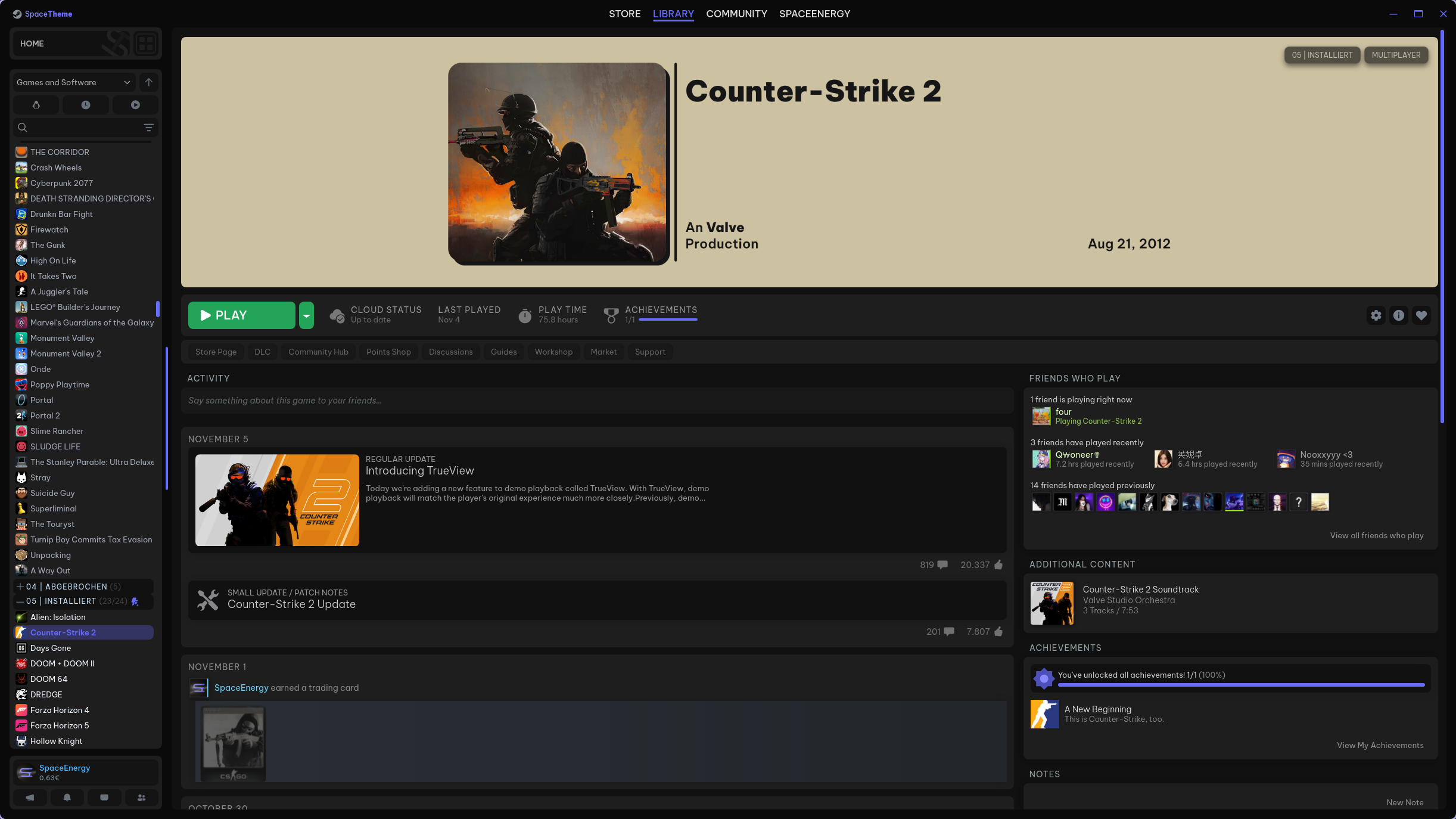 |
| Store | Store Gamepage |
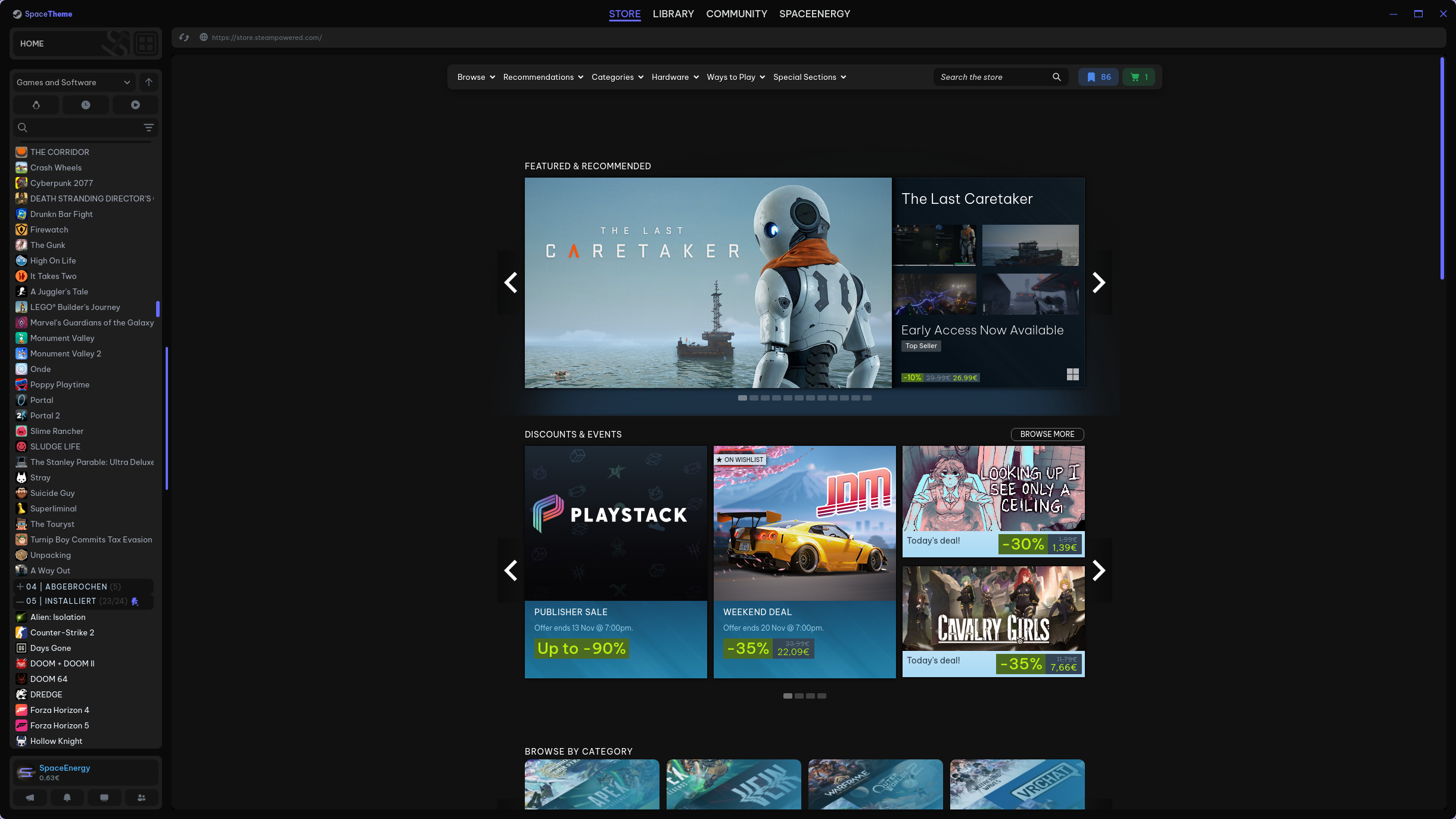 |
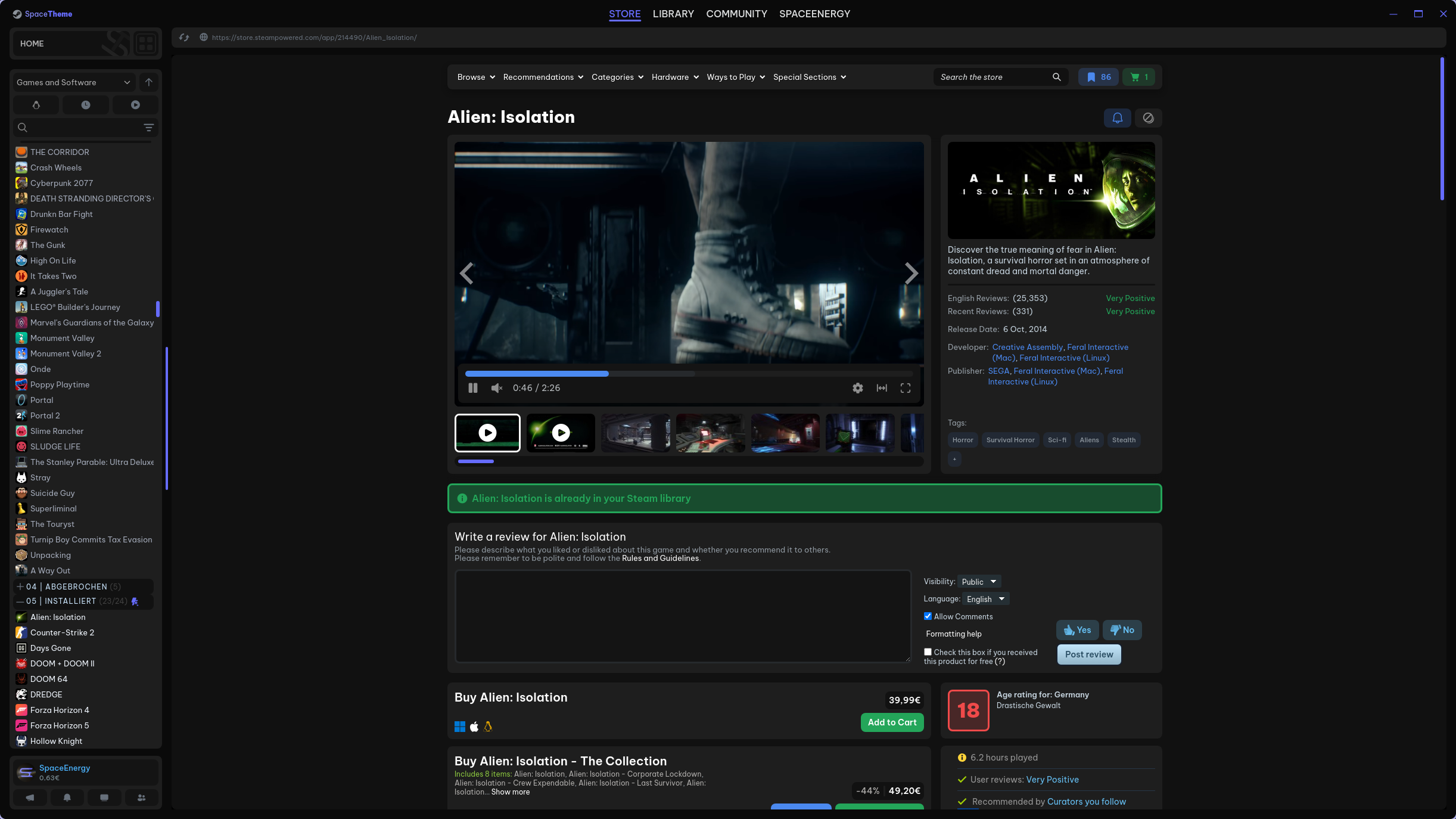 |
| Store Wishlist | Store Cart |
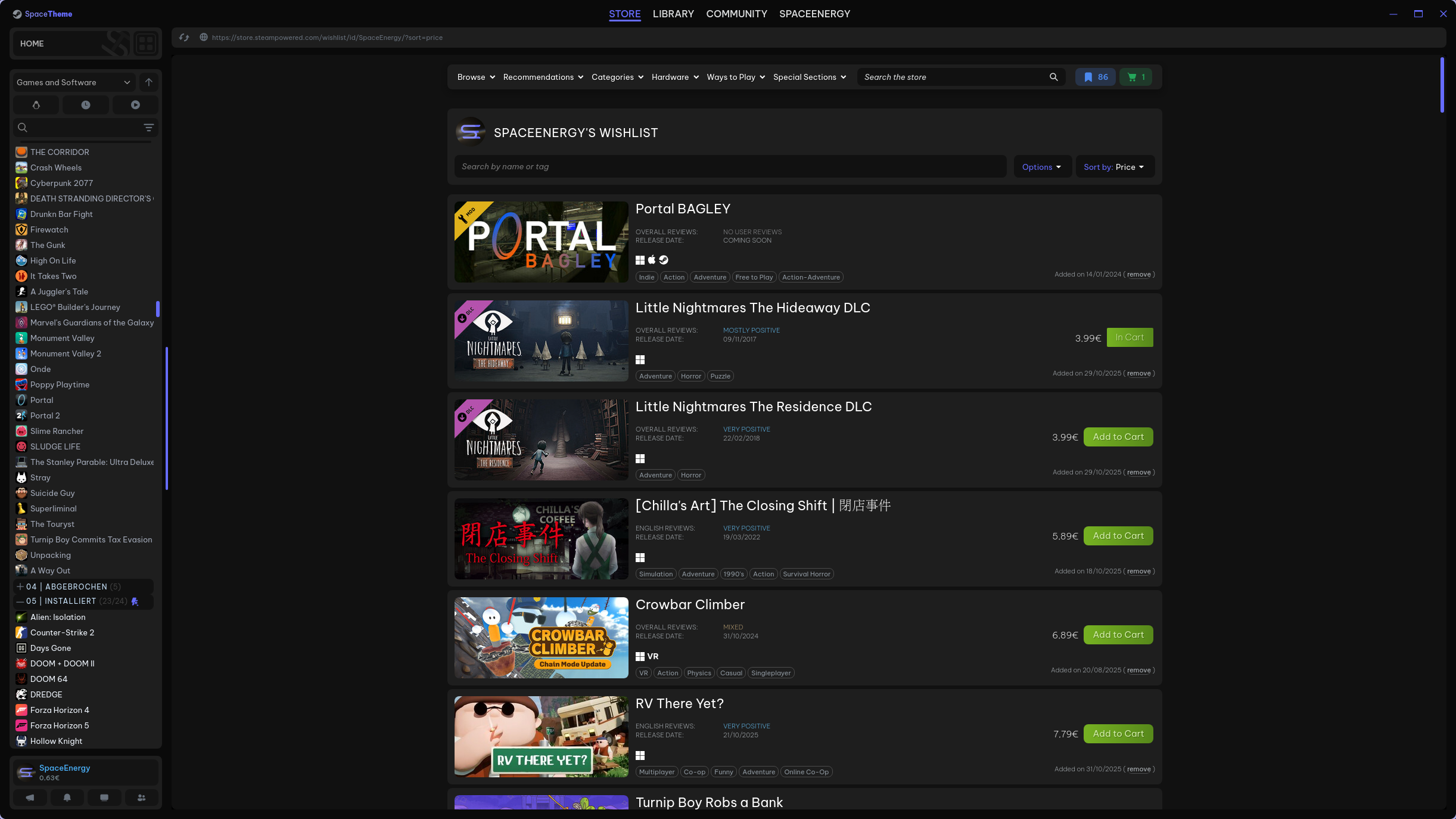 |
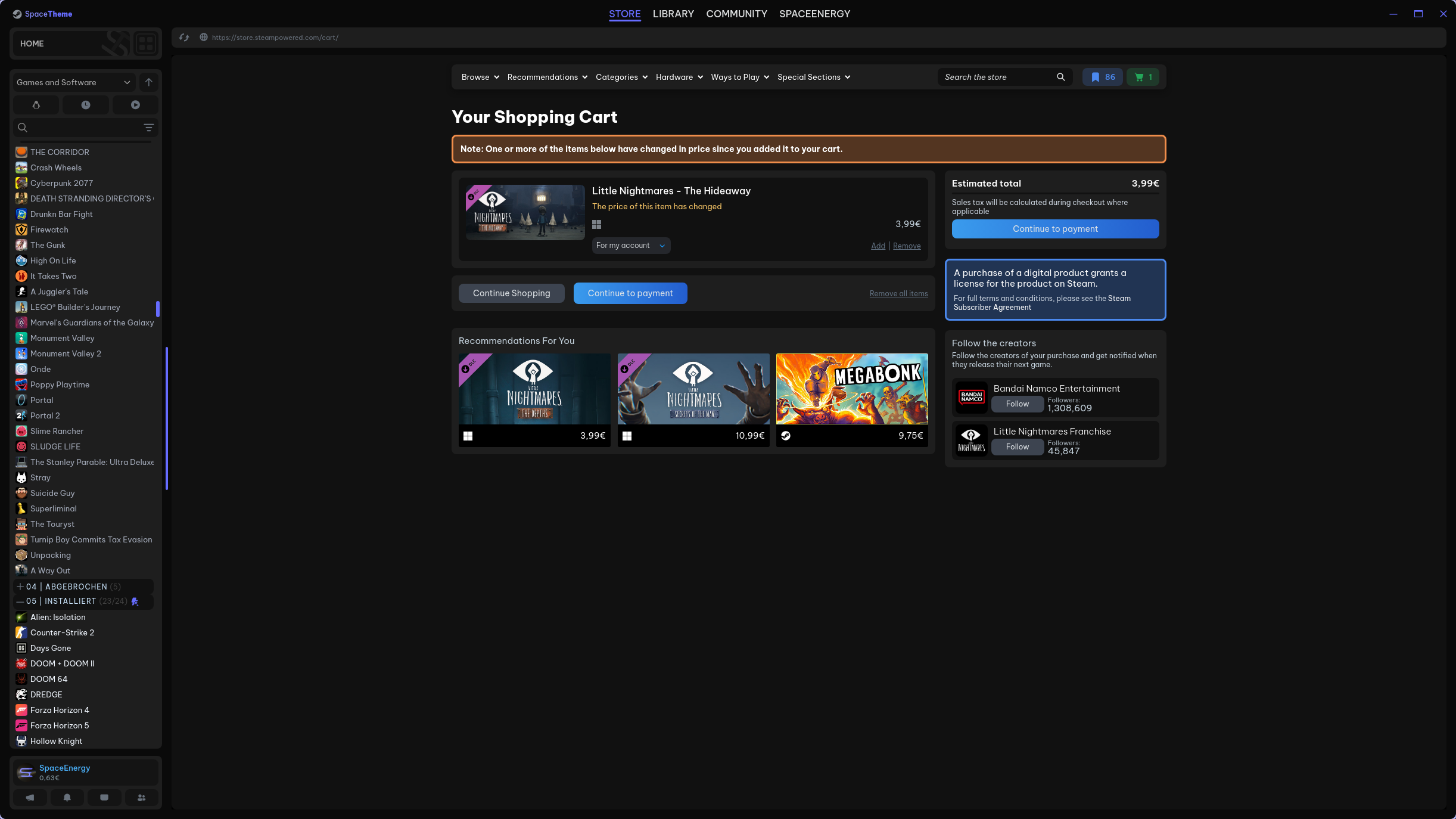 |
| Store News | Community |
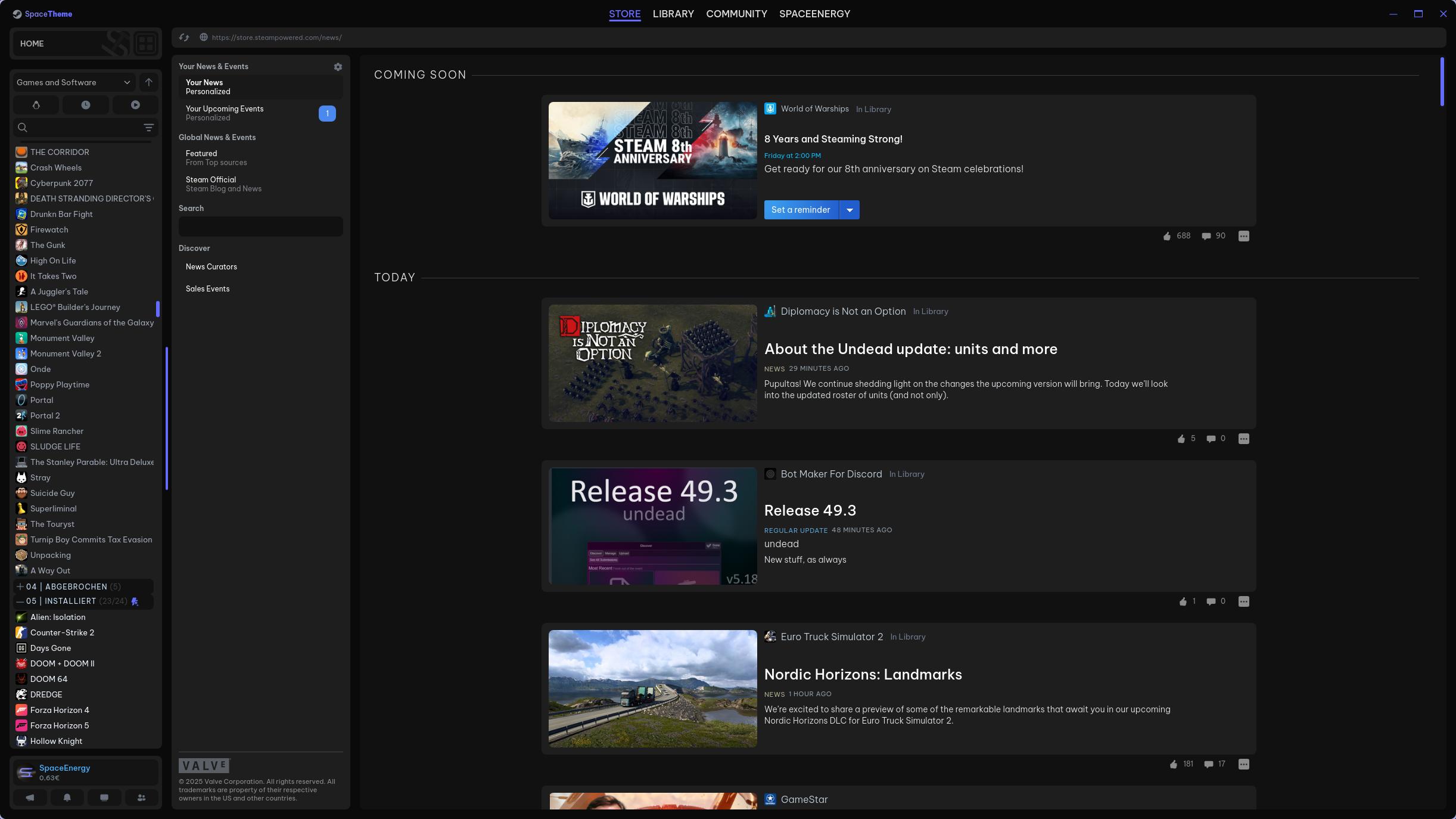 |
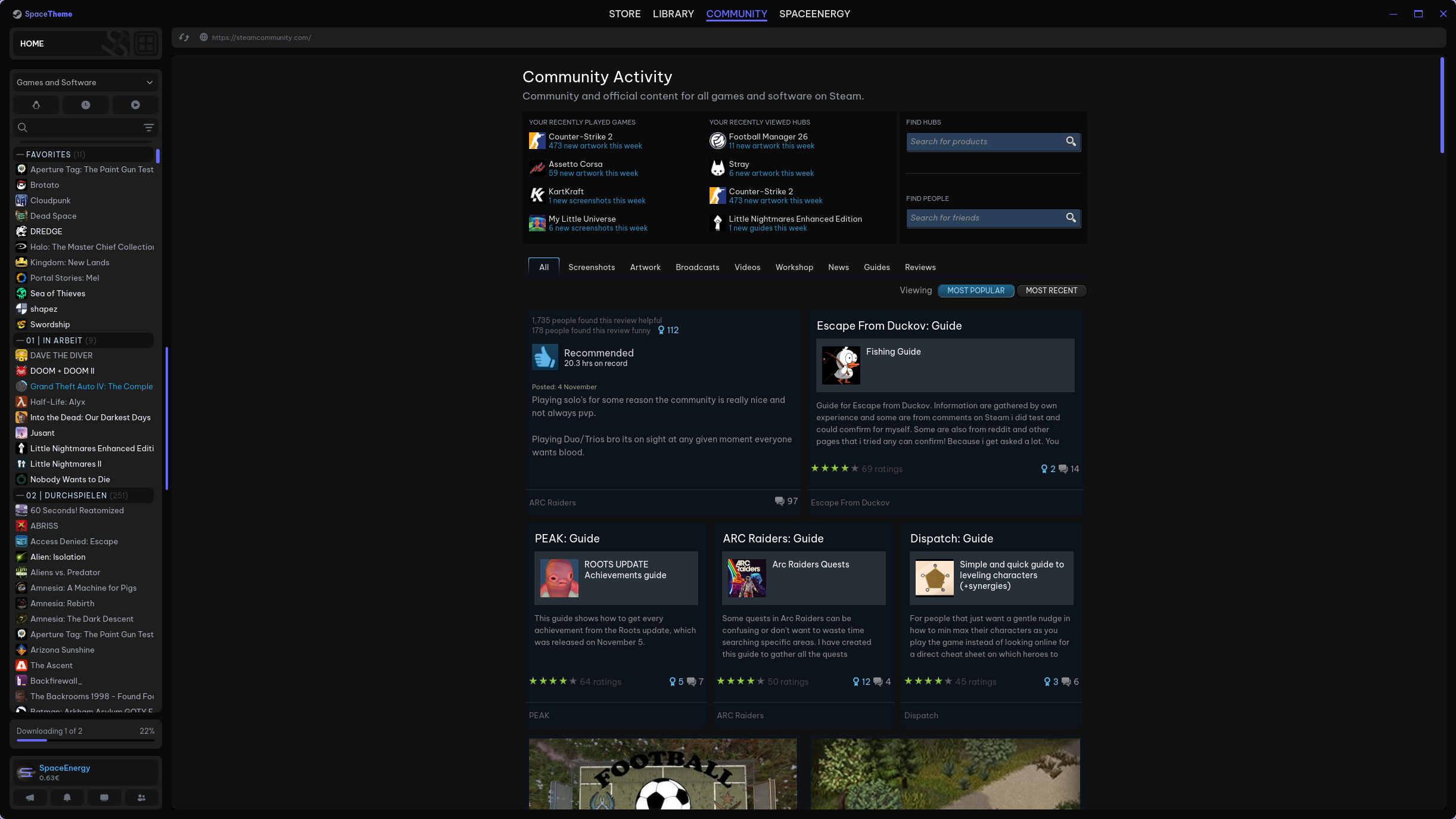 |
| Friend list & Chat | |
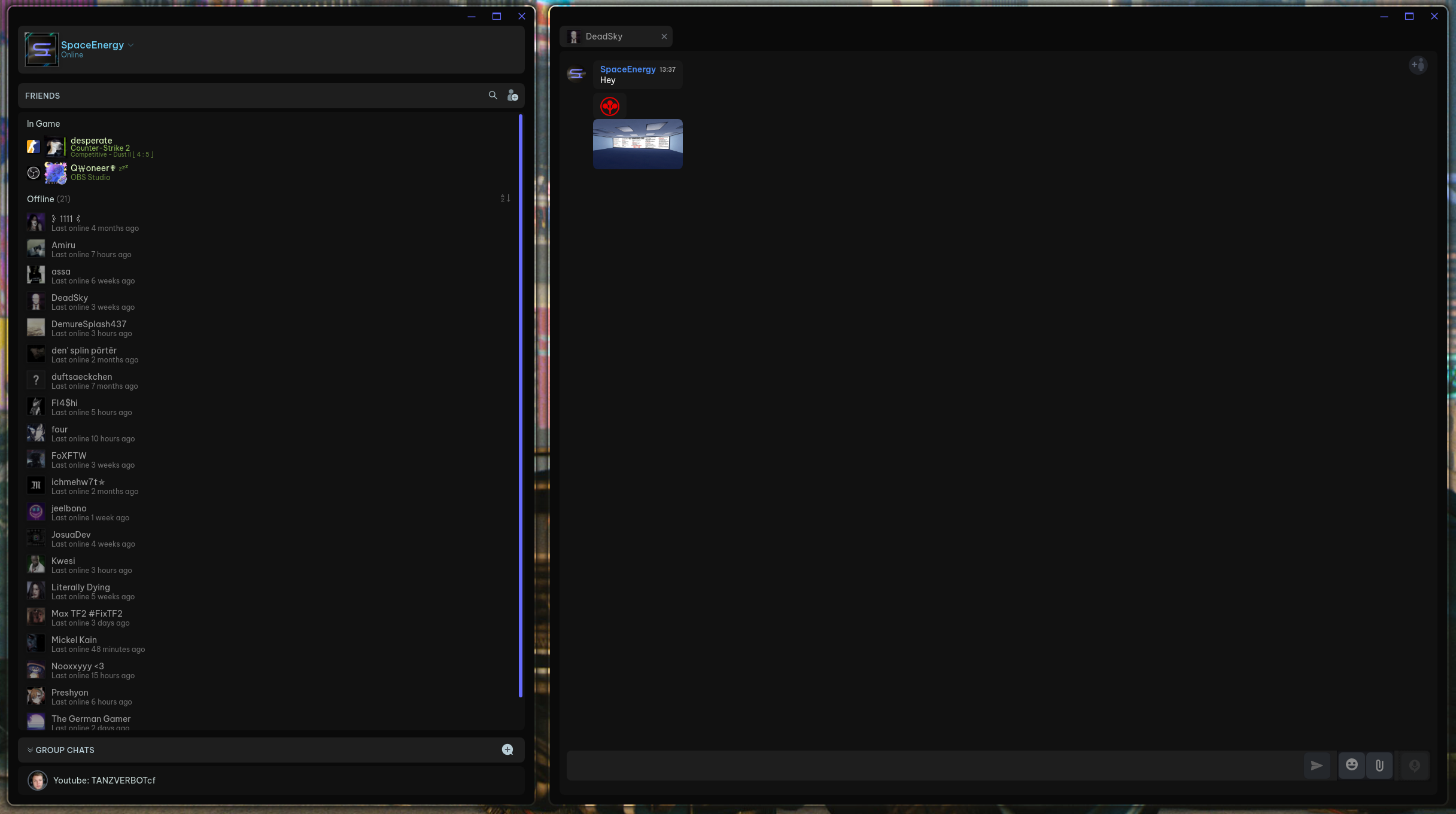 |
More images (Concepts)
| Library home | Library gamepage |
|---|---|
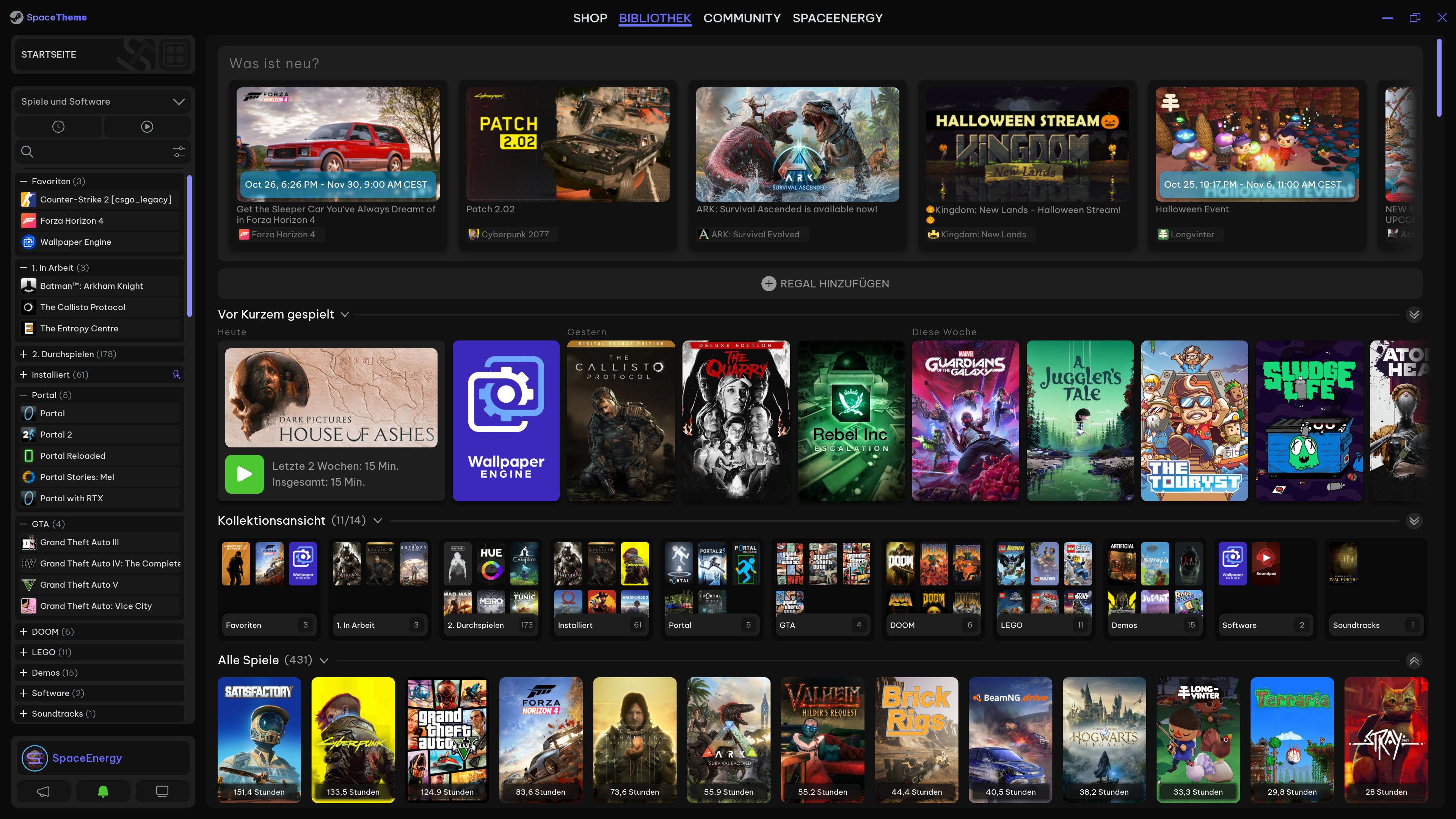 |
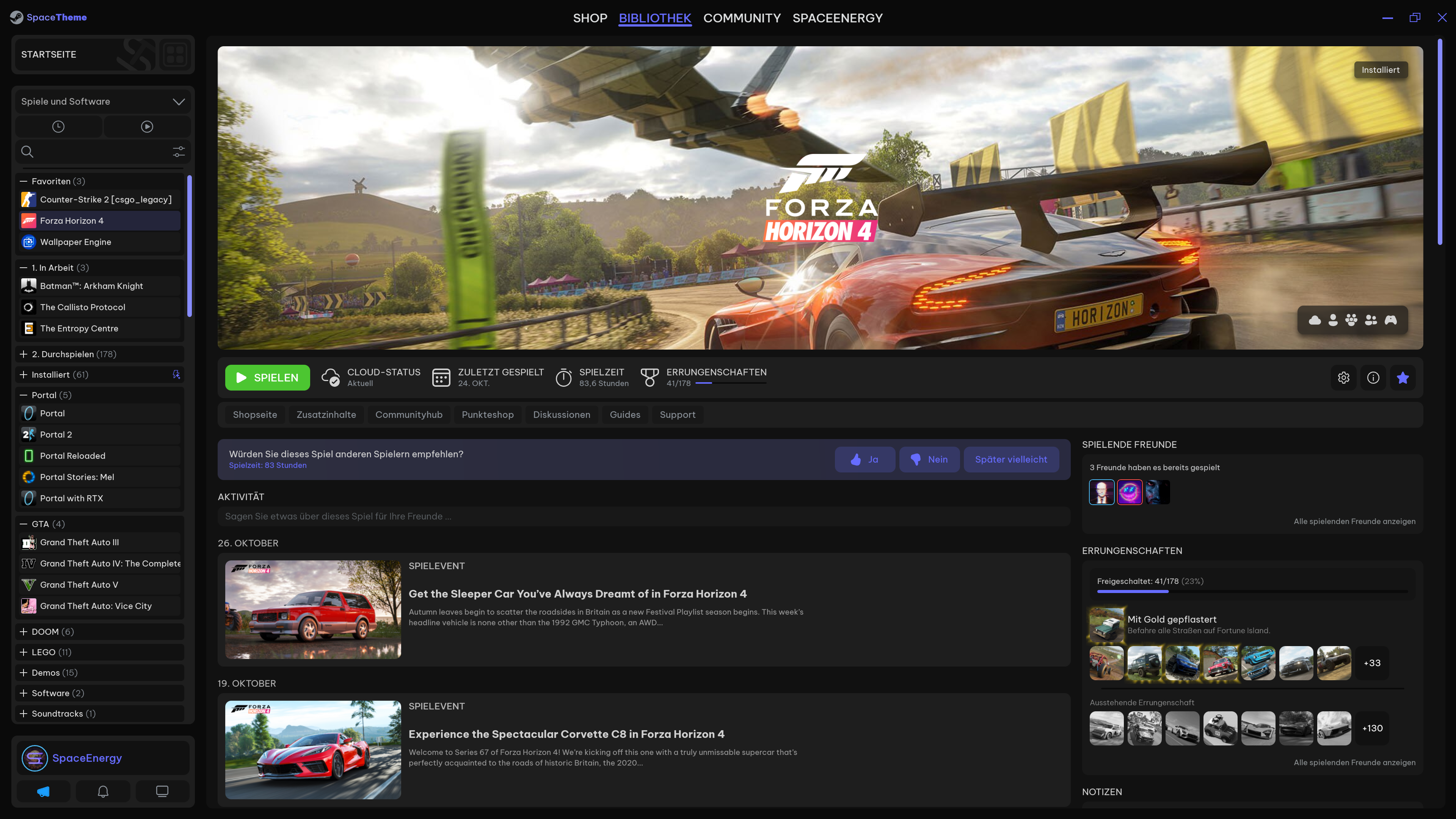 |
| Store | Store gamepage |
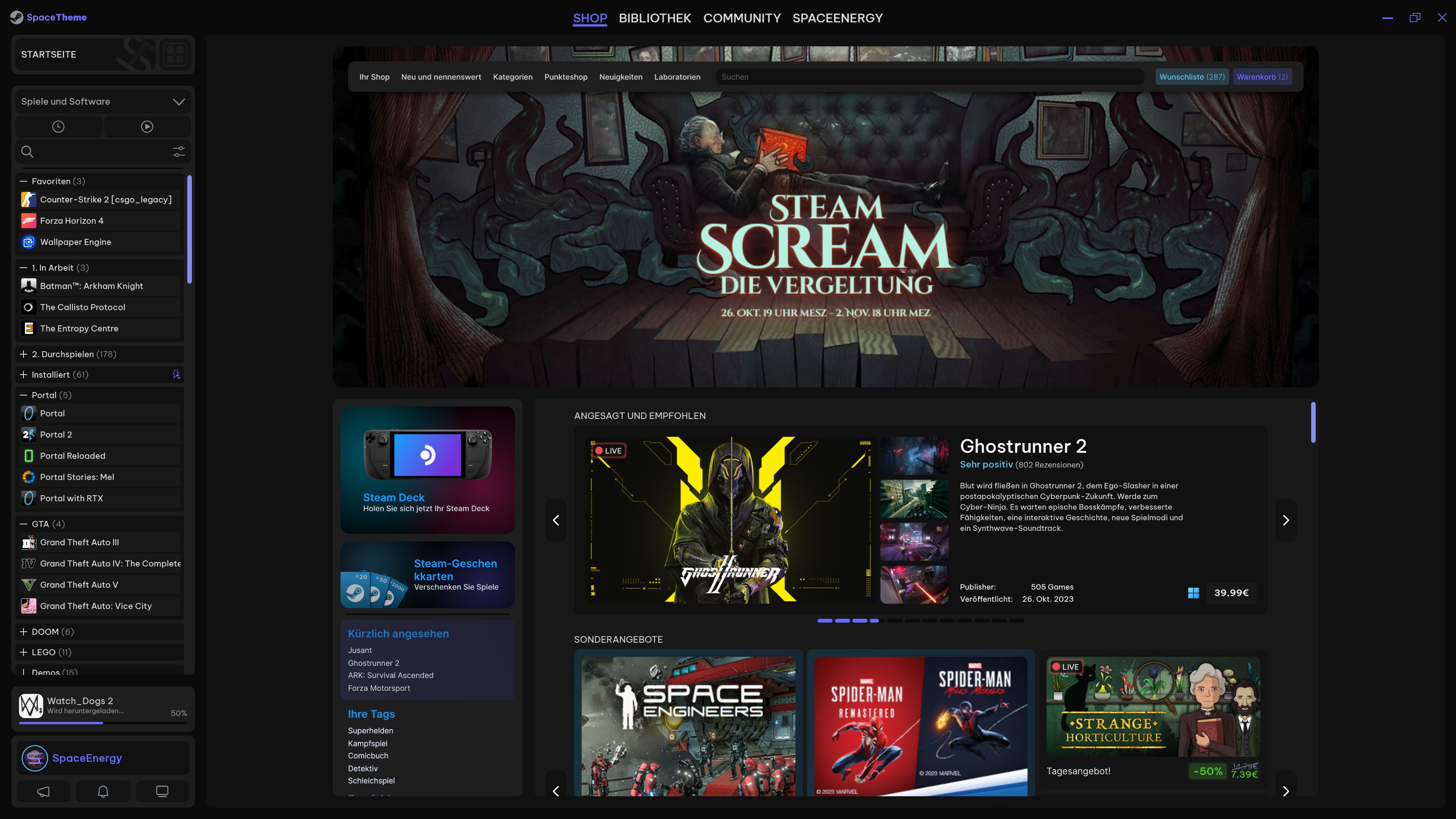 |
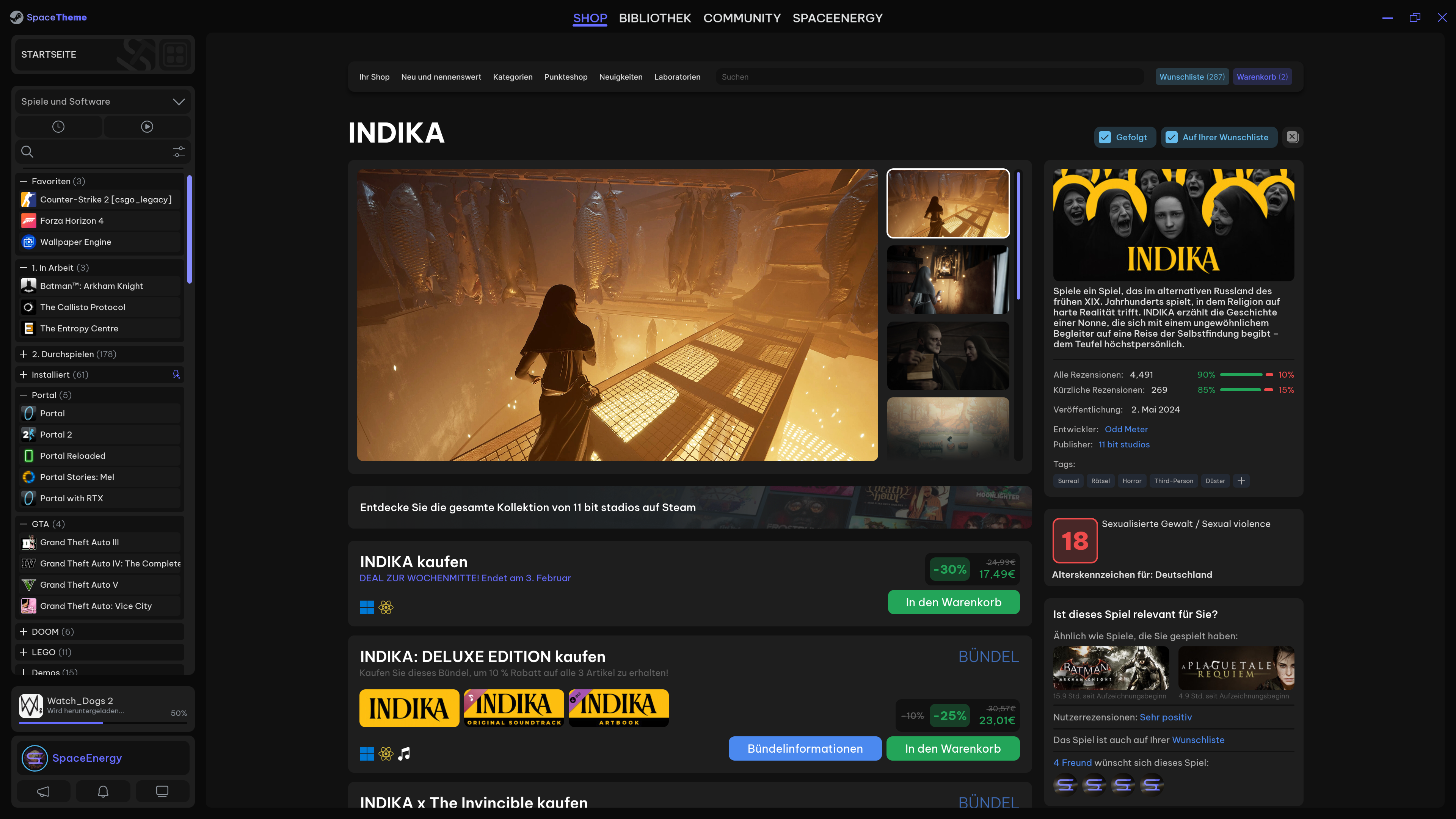 |
- Download Millennium and follow the provided instructions to install the patcher.
- Open the Theme Page and click the Copy Theme ID button.
- Navigate to the Theme tab in the Millennium settings and select "Install Theme" and paste the Theme ID.
Voilà! Enjoy the new look of your Steam!
- Some things only work properly when steam is maximized on a 1920x1080p (or higher) monitor.
- Smaller monitors may be properly supported later
- Store
- (WIP) Home
- (WIP) Navbar
- Discovery
- (WIP) Pointshop
- Stats
- (WIP) Gamepage
- Bundle info
- Cart
- (WIP) Checkout
- Categories page
- Personal calendar
- Search result list page
- Settings
- Community
- Home
- Discussions
- Workshop
- Market
- Broadcast
- User
- Profile
- Activity
- Friends
- Content (User's screenshots/artworks/videos/...)
- Awards
- Badges
- Inventory
- Friends & Chat
- Group chat
- Big Picture Mode
- Home
- Sidebar
- Gamepage
- Library
- Store
- Friends & Chat
- Media
- Downloads
- Settings
- Overlay
- Game Overview
- Achievements
- Notes
- Clock
- Guides
- Discussions
- Recordings & Screenshots
- Friends & Chat
- Browser
- Controller Settings
- Settings
- Other
- Steam Settings
- Inputs (all types)
- Recordings & Screenshots
- If the "Userpannel & Downloadpannel" option is active and you open the download page and back again, the userpannel & downloadpannel is gone and is only available again after a Steam restart



