This easy-to-use server, powered by Python Flask, lets you share files between devices on the same network, like your home Wi-Fi. No internet connection is needed!. Local Network Files Sharing Through Browser with any devices.
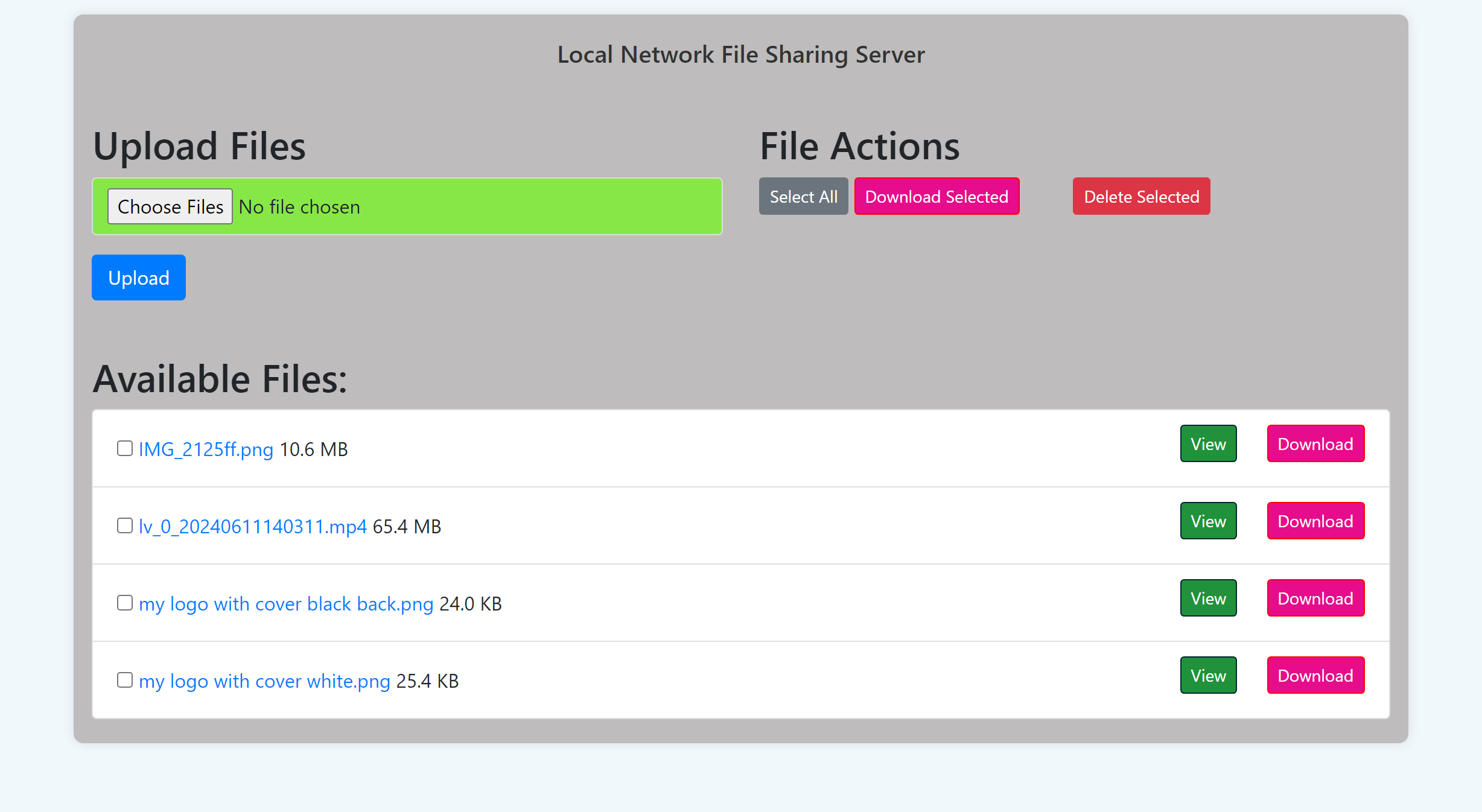
- Download the Project 📂: Click the "Code" button and download the ZIP file. Extract it.
- Navigate to the Files 📁: Open a terminal and use the
cdcommand to go to the project folder:cd path/to/project-folder - Install Flask ⚙️: Run this command:
pip install Flask - Start the Server 🚀: Type and press Enter:
python app.py - Access the Server 🌐: Open your browser and enter the URL displayed in the terminal (e.g.,
http://192.168.X.XXX:80).
- Same Wi-Fi 📶: Ensure your phone/tablet is connected to the same Wi-Fi network as your computer.
- Enter the URL 🔗: Open a browser and type in the URL from Step 5 above.
- Allow More File Types 📄:
- Open
app.pyin a text editor. - Find this line:
ALLOWED_EXTENSIONS = {'txt', 'pdf', 'png', 'jpg', 'jpeg', 'gif'} - Add more file types (e.g., MP3):
ALLOWED_EXTENSIONS = {'txt', 'pdf', 'png', 'jpg', 'jpeg', 'gif', 'mp3'} - Save the file and restart the server (
Ctrl + Cthenpython app.py).
- Open
- Change IP and Port 🌍:
- Open
app.pyin a text editor. - Find this line:
app.run(debug=True) - Modify it:
app.run(debug=True, host="YOUR_IP", port=8080) - Save and restart the server.
- Open
To stop sharing, simply press Ctrl + C in the terminal window where the server is running.