
ext install fooxly.themeswitch


This extension is based on Day Night Theme Switcher by freetonik
- Support for the Official VS Code theme preferences
- Easily switch to/between your preferred light/dark themes
- Option to set the statusbar item priority
About 40% of your donation goes to one of the charities we support. For further information or questions please visit our website or contact us via [email protected].



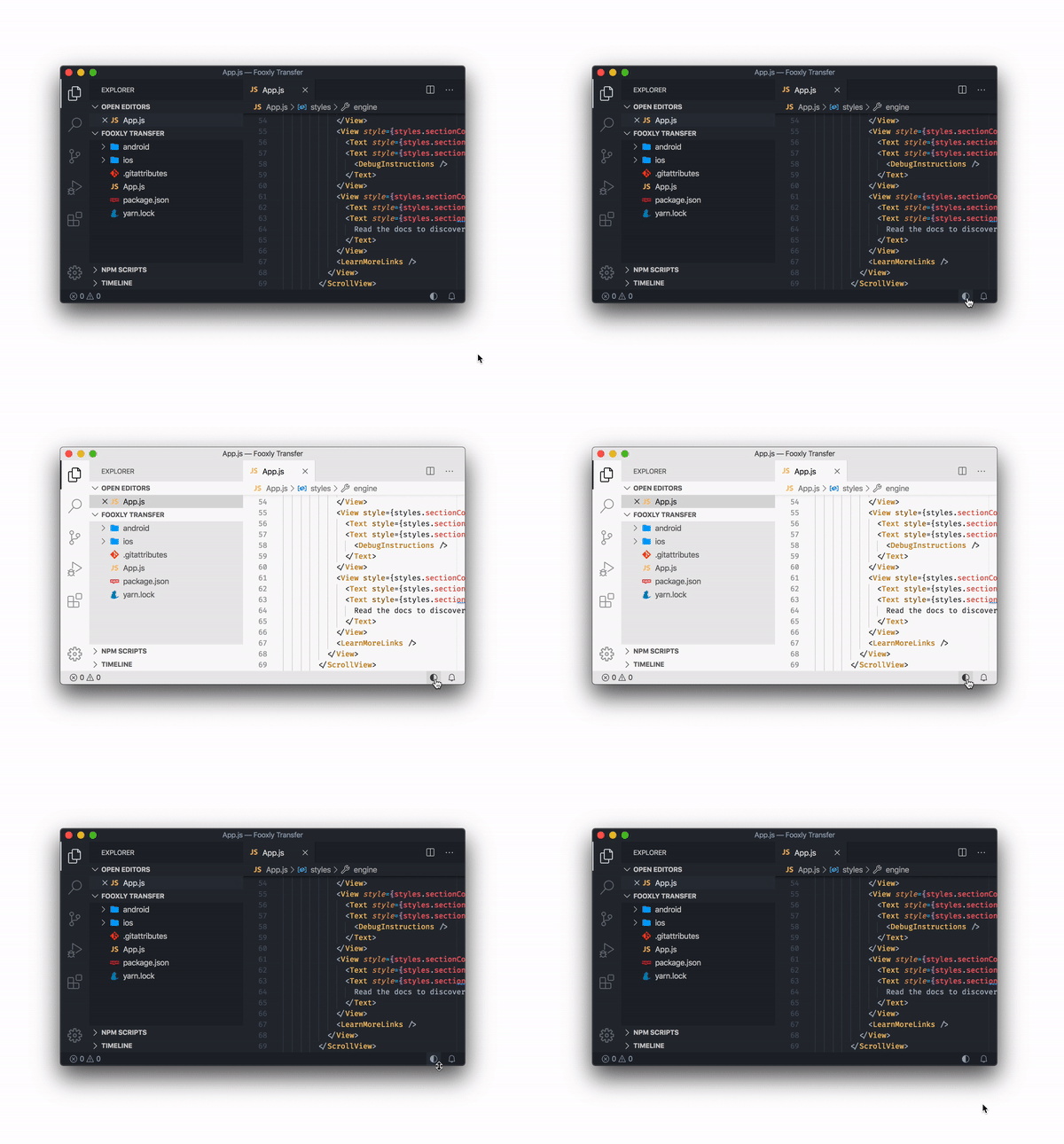
Theme Switch provides a simple way to switch between your preferred light and dark theme with a single click.
A package by Fooxly.
Based on Day Night Theme Switcher by freetonik.
- Switch between your preferred light/dark themes
- Easily set a new theme as your default light/dark theme
| macOS | Windows & Linux | Description |
|---|---|---|
| Command + Option + T | Control + Alt + T | Toggle between your preferred light/dark themes |
-
workbench.preferredLightColorTheme: Your preferred light theme ("Default Light+"by default)"workbench.preferredLightColorTheme": <string>
-
workbench.preferredDarkColorTheme: Your preferred dark theme ("Default Dark+"by default)"workbench.preferredDarkColorTheme": <string>
-
window.autoDetectColorScheme: Instructs VS Code to listen to changes to the OS's color scheme and switch to a matching theme accordingly (falseby default)"window.autoDetectColorScheme": <true|false>
-
themeswitch.toggleDefaultDark: If your preferred light/dark theme is not the current theme and the toggle is triggered, switch to your dark theme (trueby default)"themeswitch.toggleDefaultDark": <true|false>
-
themeswitch.priority: The priority for the statusbar toggle (0by default)"themeswitch.priority": <number>
