Main Settings
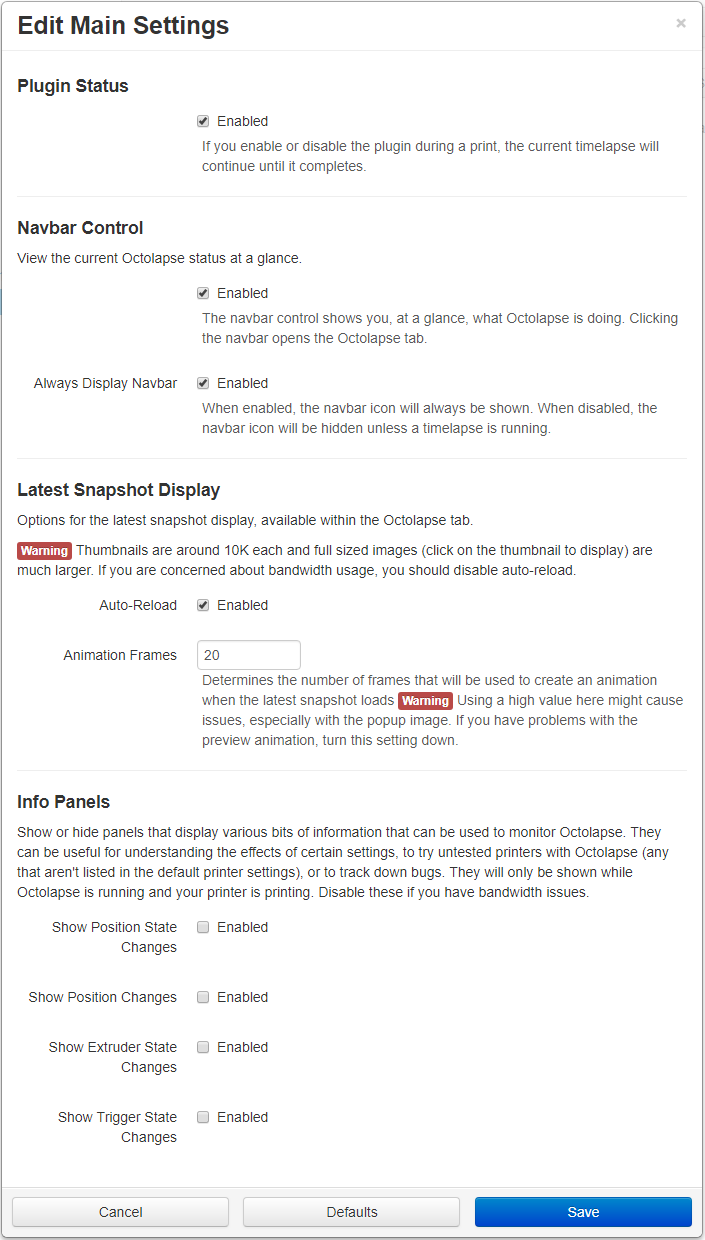
The main settings tab allows you to do the following:
- Enable/disable Octolapse
- Enable/disable the nav bar control
- Adjust the timelapse preview display on the tab
- Show or hide various information panels that can be useful for debugging or testing
click to see the tab
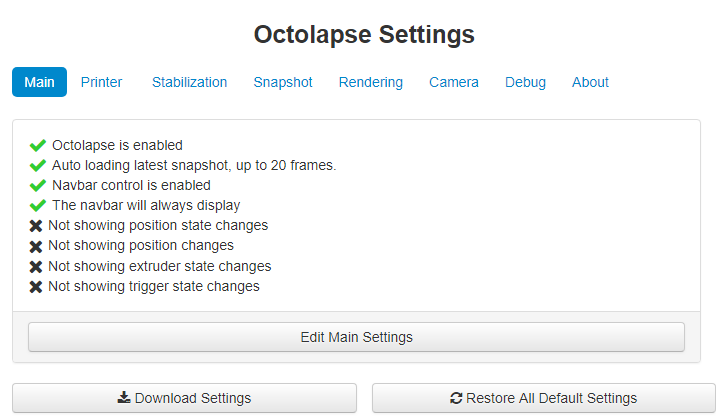
You can get to the main settings tab by opening the Octolapse settings and clicking on the 'Main' tab.
click to see the main settings